CRM integration has become non-negotiable for sales teams using X (formerly Twitter) for outreach. When done correctly, connecting your customer relationship management system to your X automation tool creates a seamless pipeline-automatically logging contacts, tracking interactions, and measuring campaign performance without manual data entry.
But here's the challenge: improper CRM integration can trigger X's automation detection systems, leading to rate limiting, account suspension, or worse. This guide covers how to integrate CRM tools with X outreach safely, maintain compliance with platform policies, and build a scalable, audit-proof system.
Why CRM Integration Matters for X Outreach
CRM integration transforms X outreach from a scattered, hard-to-track channel into a predictable revenue driver. Here's why teams are investing in this:
- Eliminates manual data entry: Contacts flow automatically from X into your CRM, reducing errors and saving hours per week
- Enables better attribution: You can track which X campaigns converted into customers, not just which generated leads
- Improves follow-up consistency: Sales reps see conversation history in one place, enabling smarter, more personalized follow-ups
- Creates compliance audit trails: Integrated systems log timestamps, message content, and user actions-critical if X ever audits your account
- Scales team operations: Multiple team members can work coordinated outreach without stepping on each other's toes
According to research from HubSpot, teams using integrated CRM and marketing automation systems report a 14.5% increase in sales productivity and 12.2% higher win rates. But only when integrated properly.
Understanding X Platform Limits and CRM Integration Risks
Before integrating CRM with X automation, you need to understand the platform's core limits. These aren't arbitrary-they exist to prevent spam and bot abuse. Violating them triggers automated suspensions.
Daily Action Caps on X
X enforces daily limits on several actions that affect CRM integration:
- DMs sent per day: Standard accounts can send 300 DMs daily (verified accounts: 500). Exceeding this triggers temporary rate limiting
- Follow actions per day: 400 follows per 24-hour period before suspension
- Unfollows per day: 400 per 24 hours
- Tweet actions: 300 tweets/retweets per day before rate limiting kicks in
CRM integration amplifies risk here. A poorly configured system might auto-send DMs to your entire contact database at once, instantly breaching daily caps and triggering account action.
How CRM Integration Triggers Detection
X's detection systems flag suspicious patterns:
- Sudden activity spikes: 50 DMs sent at 3 AM across 10 different IP addresses (common with multi-user teams)
- Repeated identical messages: The same DM copy sent to 200 users in 30 minutes signals spam
- Unnatural follow patterns: Following 400 accounts based on keyword matching, then unfollowing 2 hours later
- Mixed user-agent strings: Requests from mobile client, desktop client, and API all in the same session
The good news: these patterns are avoidable with the right setup.
How to Set Up CRM Integration Safely
A compliant CRM integration follows three core principles: rate limiting, staggered delivery, and audit transparency.
Step 1: Enable Rate Limiting and Delivery Scheduling
Never let your CRM push data to X in real-time bursts. Instead:
- Stagger DM delivery: Space outreach across 6-8 hours, not concentrated in one batch. Send 50 DMs per hour instead of 300 at once
- Use randomized delays: Add 2-5 second delays between each DM. This mimics human behavior and avoids detection
- Set daily caps per account: If using multiple accounts, limit each to 200 DMs/day (well below the 300 threshold) to maintain safety buffer
- Respect timezone distribution: Spread outreach across recipient timezones. Don't blast 300 users in one timezone at 4 AM
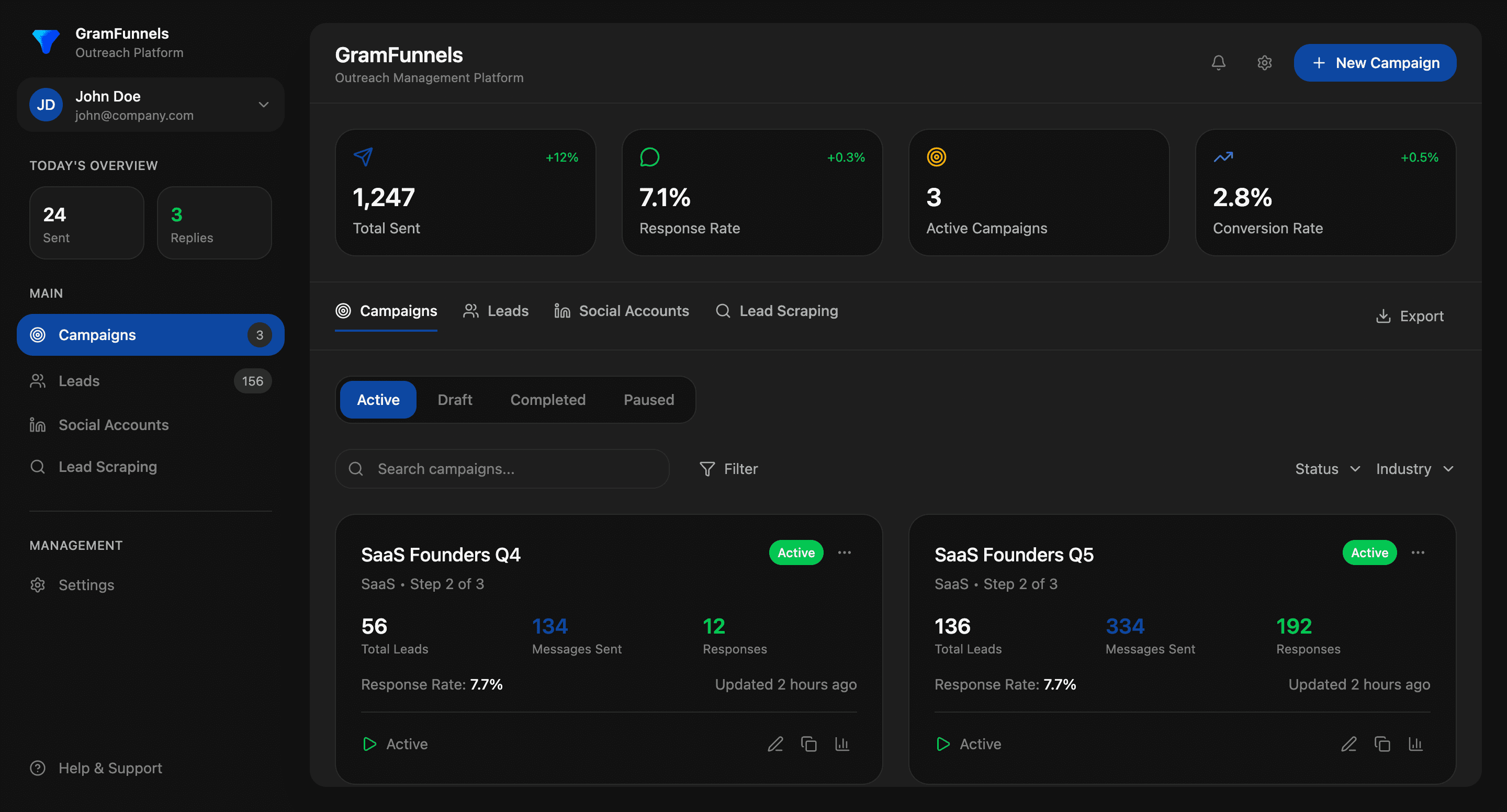
Tools like GramFunnels include built-in rate limiting that automatically enforces these caps, preventing your CRM integration from overshooting limits.
Step 2: Use Proxy Infrastructure and Consistent IP Addresses
One of the biggest CRM integration mistakes is rotating IPs aggressively. Here's the right approach:
- Use residential proxies, not datacenter IPs: X detects datacenter IPs as bot traffic. Residential proxies appear as real users
- Keep 2-3 consistent IPs per account: Don't rotate IPs for every session. Use the same proxy for each account, which is more natural
- Ensure proxy stability: Frequent IP changes in 24 hours trigger detection. Use stable proxies with good uptime
- Use SOCKS5 proxies for API calls: If your CRM makes direct API requests, ensure they route through residential proxies, not raw datacenter IPs
This creates the appearance of consistent, real user behavior-which X's systems expect.
Step 3: Configure Automation Rules for CRM Syncing
Set up conditional logic in your integration to prevent overshooting limits:
- Skip inactive users: Don't auto-message contacts with no activity in 6+ months. They're likely invalid
- Check existing conversations: If a contact is already in an active thread, don't queue a new outreach message
- Respect unsubscribe flags: Any contact marked "do not contact" in CRM should be blocked from receiving automated DMs
- Implement daily deduplication: Prevent the same user from receiving multiple DMs from different team members on the same day
- Set up approval workflows: For mission-critical campaigns, require manual approval before CRM syncing sends bulk messages
These rules protect your account and improve deliverability-contacts won't feel spammed if they're not actually spam.
Compliance-First CRM Integration Architecture
Here's what a safe, compliant integration looks like from end-to-end:
The Recommended Stack
- CRM layer: Salesforce, HubSpot, or Pipedrive logs contact data, interaction history, and campaign tags
- Integration middleware: Tools like Zapier or native APIs connect CRM to your X automation tool
- X automation platform: GramFunnels or similar enforces rate limiting, proxy infrastructure, and delivery scheduling
- Compliance audit layer: All messages, timestamps, and delivery logs stored in a database for compliance review
This architecture ensures:
- CRM remains the single source of truth for contact data
- X automation tool controls actual outreach delivery (applying rate limits and safety rules)
- Complete audit trail exists for every action
- No data is lost if one system goes down
Data Flow Best Practices
What should sync FROM X TO CRM:
- Successful DM delivers (with timestamp)
- Conversation responses and replies
- Profile data (engagement metrics, follower count)
- Unfollow/block events
- Bounce-back errors (invalid accounts, suspended users)
What should NOT auto-sync:
- Follow/unfollow actions (too verbose, clutters CRM)
- Likes or retweets (noise; focus on conversion-relevant actions)
- Public mentions (use alerts instead)
Avoiding Common CRM Integration Mistakes
Here are the pitfalls that get accounts suspended:
Mistake 1: Bulk Importing Cold Lists Into CRM, Then Auto-Messaging Them
The Problem: You download a list of 5,000 "SEO keyword" matching accounts from a scraper, import into CRM, set up automation to message them all immediately.
The Result: 300 DMs sent in 2 hours, 2,000+ accounts flagged as spam, your account hit with rate limiting or suspension within 24 hours.
The Fix: Segment lists before outreach. Message 50 accounts on Day 1, measure response. If response rate > 5% and no complaints, expand to 200 on Day 2. Let CRM data age 2-3 days before first outreach to look natural.
Mistake 2: Syncing Identical Copy From CRM Template to X
The Problem: Your CRM has a template: "Hey {first_name}, I noticed you're in {industry}..." You send this exact message to 200 users, with only name/industry personalization.
The Result: X's duplicate detection flags this as spam. Recipients report the message as unsolicited. Account gets shadow-banned.
The Fix: Vary your messaging. Use 3-5 different opens and closes. Randomize sentence order. Include specific details unique to each prospect (their last tweet, their company size, a recent hire). Real personalization, not template fill-in-the-blank.
Mistake 3: Not Monitoring Bounce-Back Events From CRM Integration
The Problem: CRM keeps trying to send DMs to suspended accounts, deleted accounts, and blocked users. These bounce-backs are logged, but you don't check them.
The Result: X sees repeated attempts to message invalid accounts-a hallmark of scraper tools and spam bots. Account gets action taken.
The Fix: Set up CRM automation rules to flag bounce-back events. After 2 failed delivery attempts, mark contact as "invalid" and stop outreach. Monitor bounce-back rates weekly-they should be under 5%. Higher rates indicate poor data quality.
Measuring CRM Integration Performance Without Violating Compliance
A compliant integration isn't just safe-it's measurable. Track these metrics:
- Delivery rate: % of CRM-synced outreach messages successfully delivered (target: 95%+)
- Response rate: % of delivered messages that get a reply (industry average: 2-8%)
- Bounce-back rate: % of messages to invalid/suspended accounts (target: <5%)
- Account health score: Monitoring platform measures this based on rate limiting events, blocks, and warnings (target: green/healthy)
- CRM conversion rate: % of engaged prospects (replied + viewed) who become opportunities in CRM (varies, but 10-25% is typical)
- Time-to-first-reply: Average hours between outreach and response (helps refine follow-up cadence)
These metrics tell you if your integration is working or crossing compliance lines. A sudden drop in delivery rate often signals account-level flags before suspension.
Multi-Account CRM Integration: Operating Safely at Scale
If your team manages multiple X accounts (a common strategy for reaching more contacts), CRM integration gets more complex. Here's the safe approach:
- One CRM, one sync schedule: All accounts feed from the same CRM database, but each account has its own rate-limited delivery queue
- Rotate which account handles which outreach: Don't let the same account message all high-priority contacts. Spread across 2-3 accounts to avoid detection
- Use different proxy IPs per account: Each account should appear to come from a different location
- Stagger delivery by account: If Account A sends DMs at 9 AM-12 PM, Account B sends at 12 PM-3 PM. This looks natural and distributes risk
- Monitor account health independently: Track rate limiting, warnings, and action flags separately for each account. One sick account shouldn't drag down your whole operation
Practical CRM Integration Checklist
Before launching your CRM integration, verify:
- ☑ Rate limiting enabled at platform level (max 200 DMs/account/day)
- ☑ Delivery staggered across 6-8 hour windows, not batched
- ☑ Proxy infrastructure configured (residential IPs, stable per account)
- ☑ Automation rules block inactive, unsubscribed, and already-messaged contacts
- ☑ Bounce-back monitoring active and reviewed weekly
- ☑ Message templates vary by recipient (3+ opens/closes, specific personalization)
- ☑ Audit logging enabled (all messages, timestamps, delivery status stored)
- ☑ Response rate tracking set up (measure campaign effectiveness)
- ☑ Account health monitoring in place (flags rate limiting before suspension)
- ☑ Team trained on compliance guidelines (no "set and forget" automation)
Next Steps: Building Your Compliant Integration
CRM integration done right transforms X outreach into a sustainable, measurable revenue channel. Done wrong, it's a fast path to account suspension.
Start with a pilot: integrate 1-2 small lists (50-100 contacts) through your CRM and track results over 2 weeks. Monitor delivery rate, response rate, and any platform warnings. Once you've validated the approach, expand gradually.
For more tactical guidance, check out our comprehensive guides on automation rules for CRM syncing, daily action caps and safe compliance practices, and running multi-account outreach safely.
The teams scaling X outreach to 5, 6, and 7-figure revenue pipelines all share one thing in common: they treat compliance not as a constraint, but as the foundation of growth. Your CRM integration should too.